
Quick links: All Decals • Holographic • Funny
# How to Create Custom Vinyl License Plate Frames with Oracal 651
Designing custom vinyl license plate frames with Oracal 651 is straightforward and durable if you follow proper sizing, application, and removal techniques. This high-quality vinyl is perfect for outdoor use on windows and painted surfaces, ensuring your design stays vibrant.

## Step 1: Design Your Vinyl Frame
### Tips:

– Use vector graphic software (e.g., Adobe Illustrator) for crisp lines.
– Keep text legible; 1-2 inches tall is ideal.
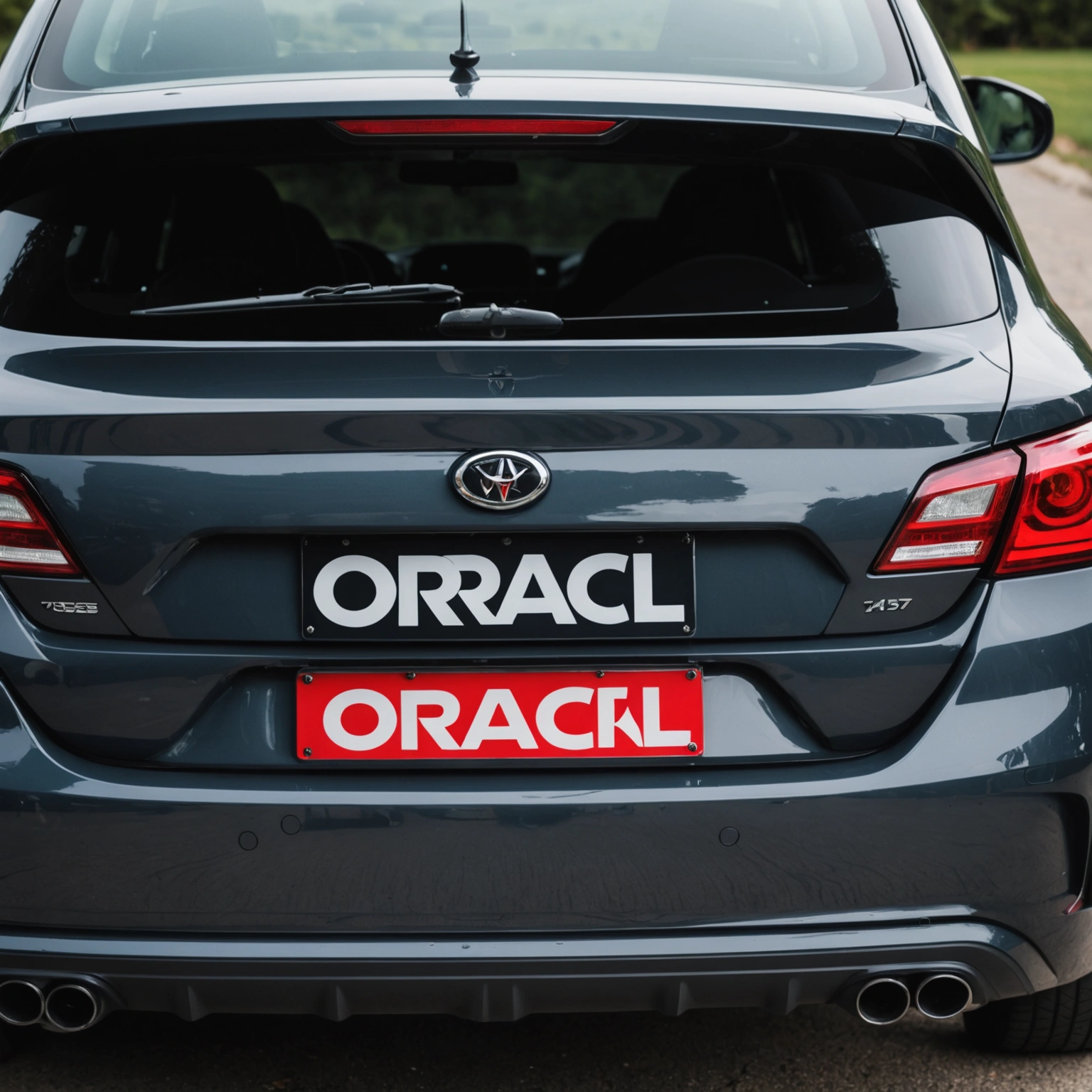
– Include bleed margins of 1/8 inch around your design.
## Step 2: Measure and Size Correctly
### Sizing:
– Standard license plate: 12 x 6 inches.
– Vinyl frame: 2-3 inches wide around the plate edge.
– Final decal size: approximately 12 x 2-3 inches, depending on design.
### Pro Tip:
Create a mock-up using masking tape on your vehicle to visualize size.
## Step 3: Cut Your Vinyl with a Vinyl Cutter
### Tips:
– Use a fine blade for clean cuts.
– Mirror your design before cutting.
– Weed excess vinyl carefully, especially around detailed areas.
## Step 4: Prepare the Surface
### Surface Prep:
– Clean with isopropyl alcohol; avoid greasy or dusty areas.
– Ensure the surface is dry and smooth.
– For painted surfaces, test a small area first.
## Step 5: Apply the Vinyl Frame
### Application:
– Use application tape to transfer your design.
– Position carefully; use a squeegee to remove air bubbles.
– Apply pressure evenly for adhesion.
## Step 6: Remove Transfer Tape
### Tips:
– Peel at a 45-degree angle.
– Do this slowly to prevent lifting or tearing.
## Step 7: Maintenance and Removal
### Maintenance:
– Clean with mild soap and water.
– Avoid abrasive cleaners.
### Removal:
– Heat with a heat gun or hairdryer for easier removal.
– Peel slowly to avoid paint or window damage.
– Residue can be removed with isopropyl alcohol.
## Compatibility & Best Practices
– Oracal 651 is suitable for external use on painted surfaces and windows.
– Avoid applying on textured or uneven surfaces.
– Do not expose vinyl to high-pressure washes for prolonged periods.
## Recommended Decals
– Custom slogans or team logos
– State or country flags
– Personalized messages or initials
## Conclusion
Creating custom vinyl license plate frames with Oracal 651 is an affordable way to personalize your vehicle. Follow proper sizing, application, and removal techniques for long-lasting, professional results.
**Ready to personalize your ride? Shop our selection of vinyl decals and get started today!**
Shop this look


FAQs
**Q1: Can I use Oracal 651 for creating custom vinyl license plate frames?**
A1: Yes, Oracal 651 is suitable for short-term outdoor use like license plate frames due to its durability and adhesion, but it’s best to apply over a clean, smooth surface and avoid prolonged exposure to harsh elements.
**Q2: How should I prepare my car surface before applying vinyl decals?**
A2: Clean the area thoroughly with isopropyl alcohol to remove dirt and oils. Ensure the surface is dry, smooth, and free of wax or residue for optimal adhesion and easier removal later.
**Q3: Can I remove Oracal 651 decals from my car without damaging paint or tint?**
A3: Yes, gently heat the decal with a heat gun or hairdryer to soften adhesive, then peel slowly. Use adhesive remover if needed, but test on a small area first to prevent damage to paint or tint.
{“@context”:”https://schema.org”,”@type”:”FAQPage”,”mainEntity”:[{“@type”:”Question”,”name”:”**Q1: Can I use Oracal 651 for creating custom vinyl license plate frames?**”,”acceptedAnswer”:{“@type”:”Answer”,”text”:”A1: Yes, Oracal 651 is suitable for short-term outdoor use like license plate frames due to its durability and adhesion, but itu2019s best to apply over a clean, smooth surface and avoid prolonged exposure to harsh elements.”}},{“@type”:”Question”,”name”:”**Q2: How should I prepare my car surface before applying vinyl decals?**”,”acceptedAnswer”:{“@type”:”Answer”,”text”:”A2: Clean the area thoroughly with isopropyl alcohol to remove dirt and oils. Ensure the surface is dry, smooth, and free of wax or residue for optimal adhesion and easier removal later.”}},{“@type”:”Question”,”name”:”**Q3: Can I remove Oracal 651 decals from my car without damaging paint or tint?**”,”acceptedAnswer”:{“@type”:”Answer”,”text”:”A3: Yes, gently heat the decal with a heat gun or hairdryer to soften adhesive, then peel slowly. Use adhesive remover if needed, but test on a small area first to prevent damage to paint or tint.”}}]}